Capture & compare
Take new photos or import from your gallery. Review each pair side by side, top to bottom, with a slider, or as an overlay.
Turn photo pairs into a clear record of your work. Compare the change, add context, and create a PDF report.
Get it on Google PlayAvailable for Android
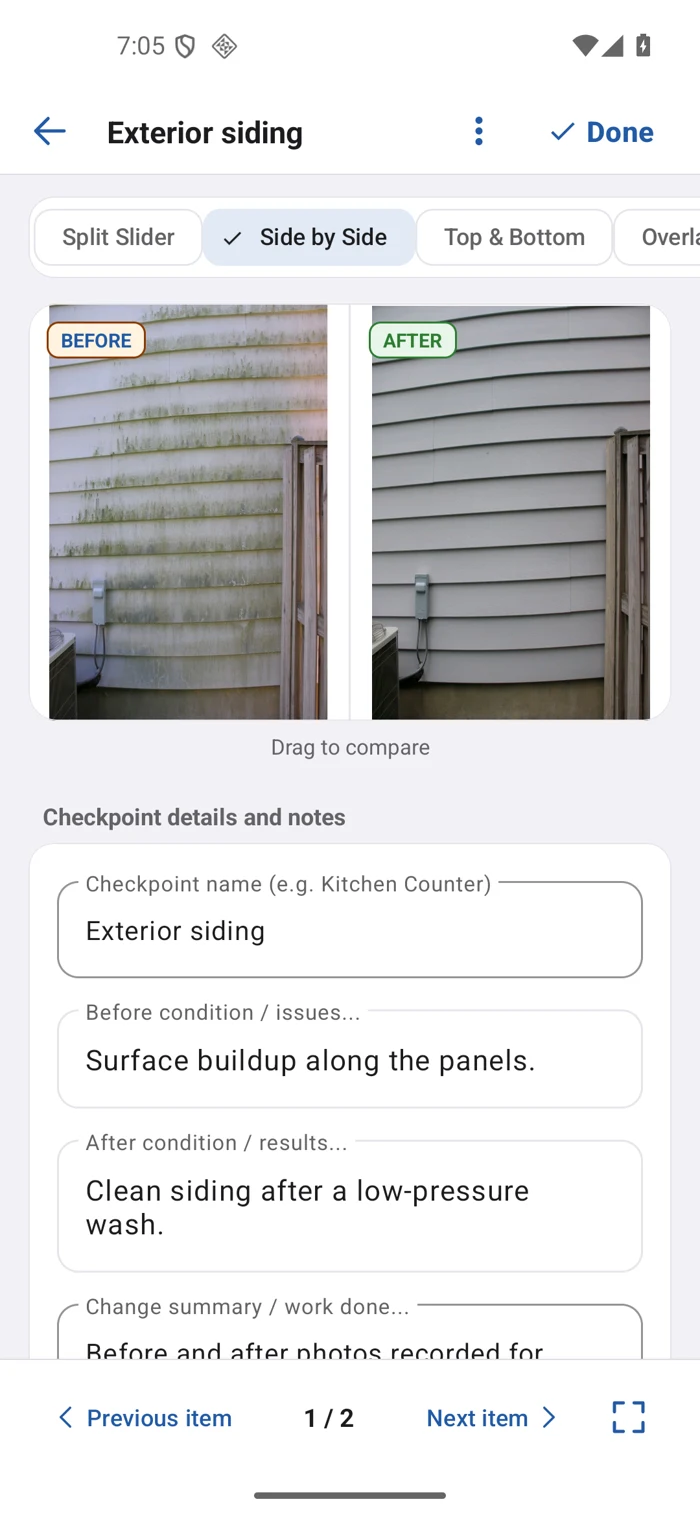
Take new photos or import from your gallery. Review each pair side by side, top to bottom, with a slider, or as an overlay.
Add before, after, and change notes. Use arrows, shapes, and numbered markers to highlight the details that matter.
Organize pairs by checkpoint, follow your progress, and keep each job's photos and context in one place.
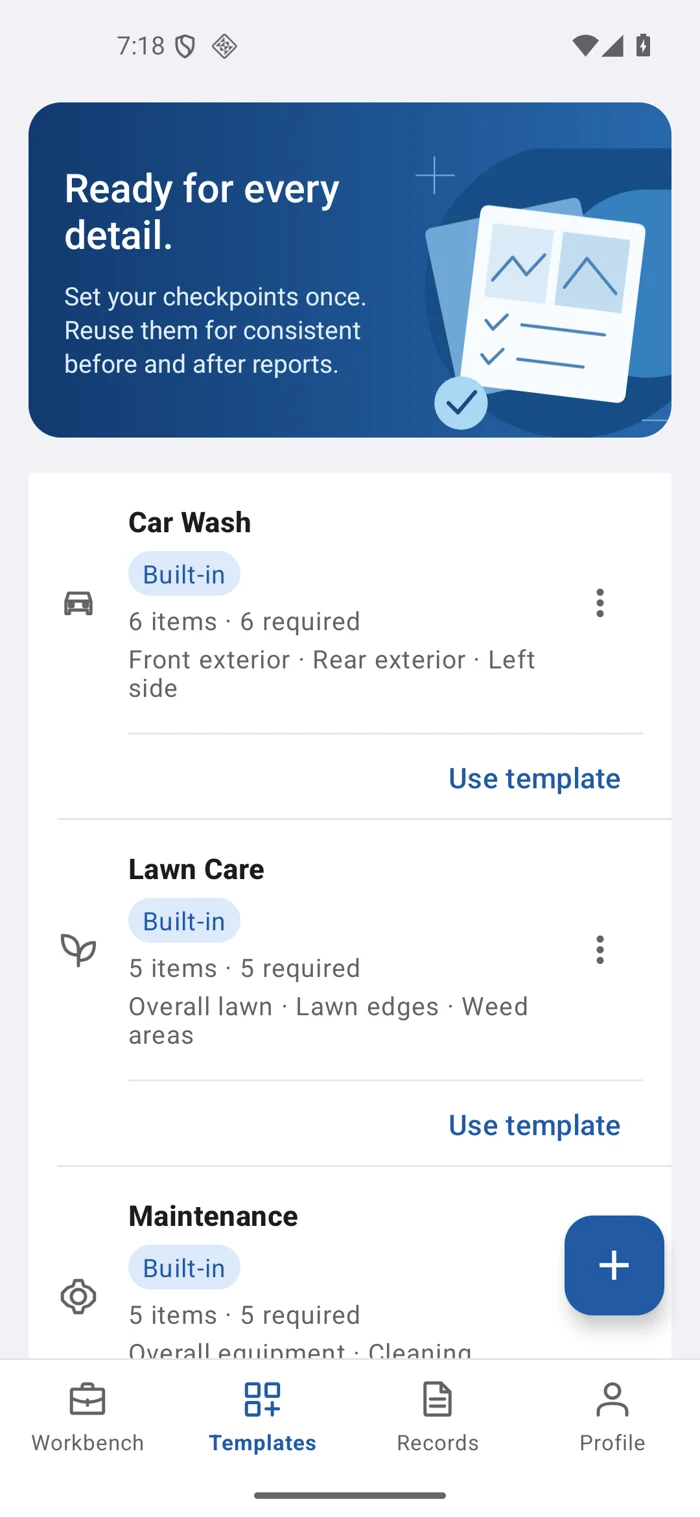
Start with a built-in template or create your own. Set the checkpoints, add capture guidance, and mark what is required.
Reuse the checklist for each new job. Every job keeps its own snapshot, so template changes do not rewrite earlier work.
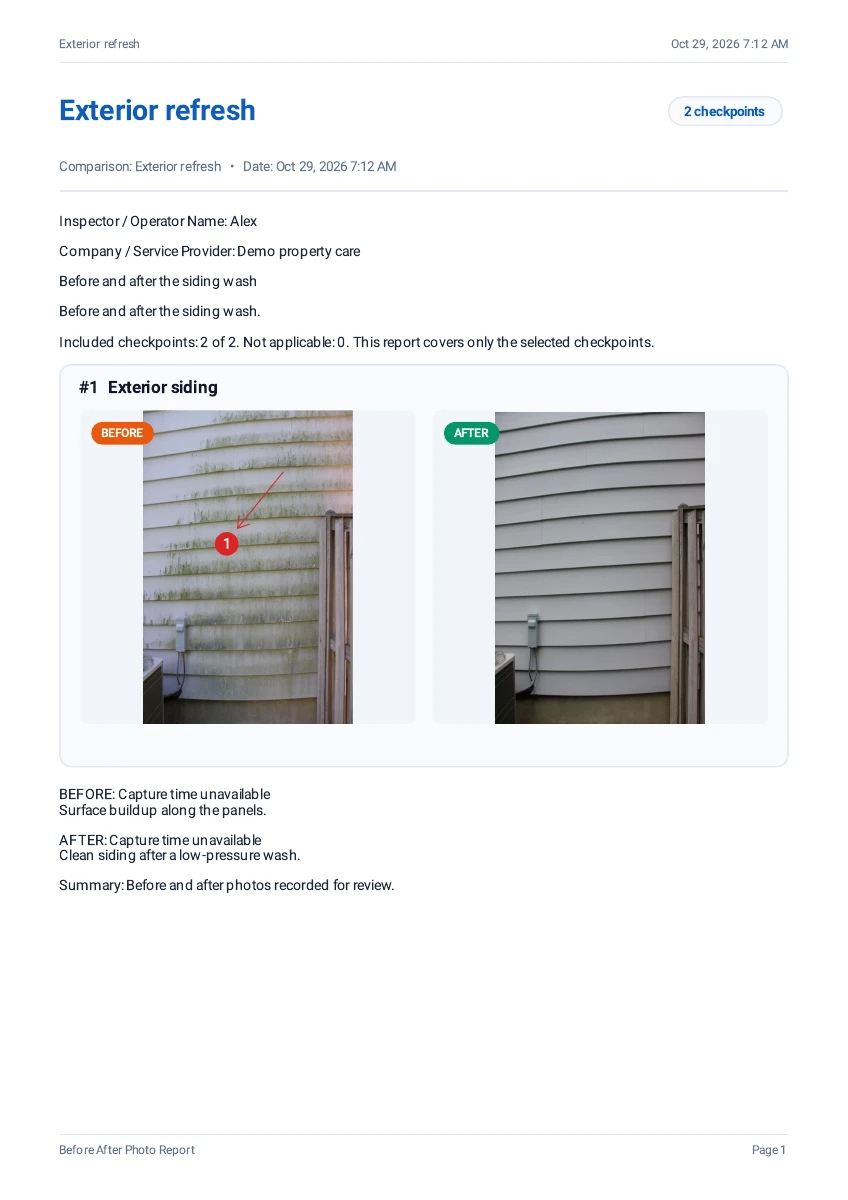
Bring your photo pairs, annotations, and notes into one PDF. Preview the selected comparisons, save the report, and share it through Android.
Keep saved PDFs in your document archive to open or share again.
View sample PDFTwo pages, exported from the app using demo content.